Take a photo of your outfit
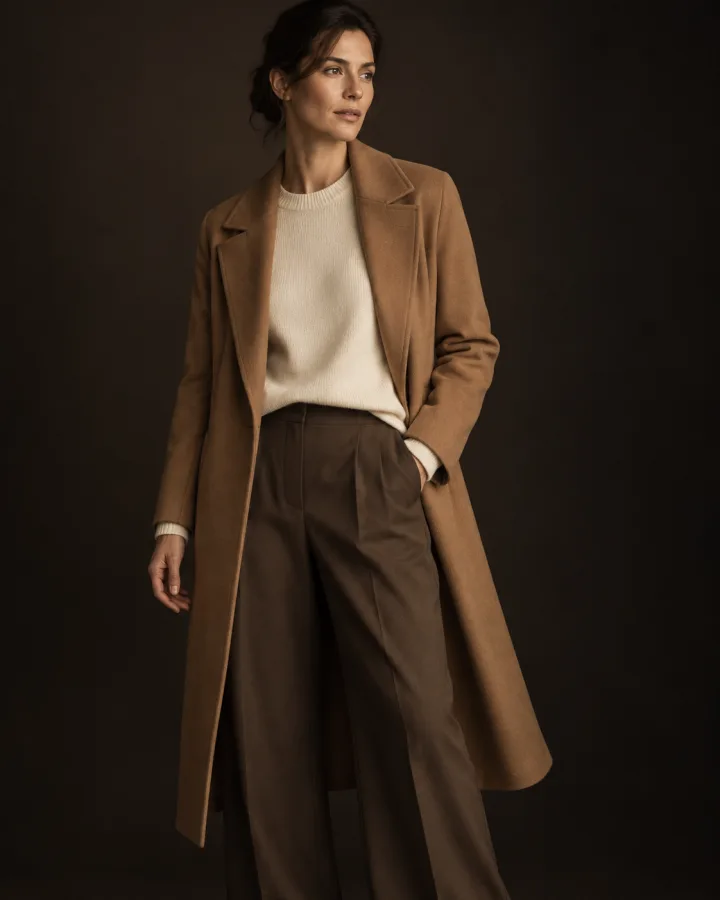
In a mirror or laid out on the bed, from the camera or your photo library. The whole look counts, not just one colour.
Take a photo of your outfit. OutfitWatch reads your whole look and builds a matching watch face, ready to add to your watch.
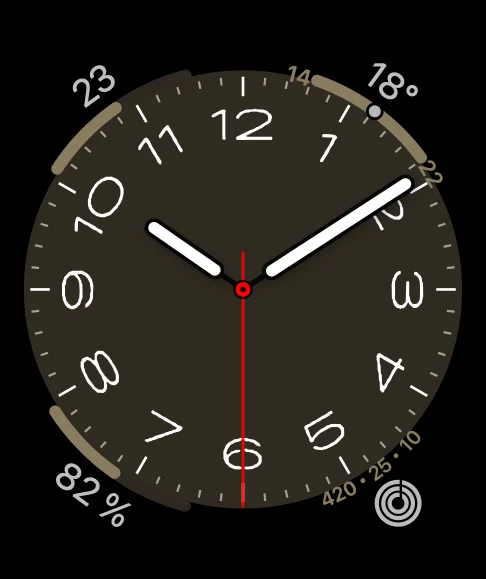
Real Apple Watch faces, not a photo on a screen.

No settings to fiddle with: the photo says it all.
In a mirror or laid out on the bed, from the camera or your photo library. The whole look counts, not just one colour.
In about twenty seconds, OutfitWatch suggests three faces that suit your look: the face, its colour, its complications, and the band to wear with it.
One tap sends the face to the Apple Watch app. You check it and confirm, and it is on your wrist.
Infograph, California, Modular, Metropolitan… OutfitWatch picks from the faces Apple builds into your watch, and sets them to match what you wear.
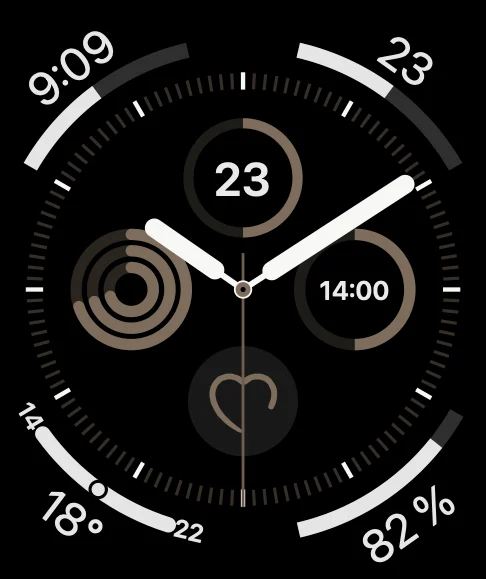
Infograph in clay
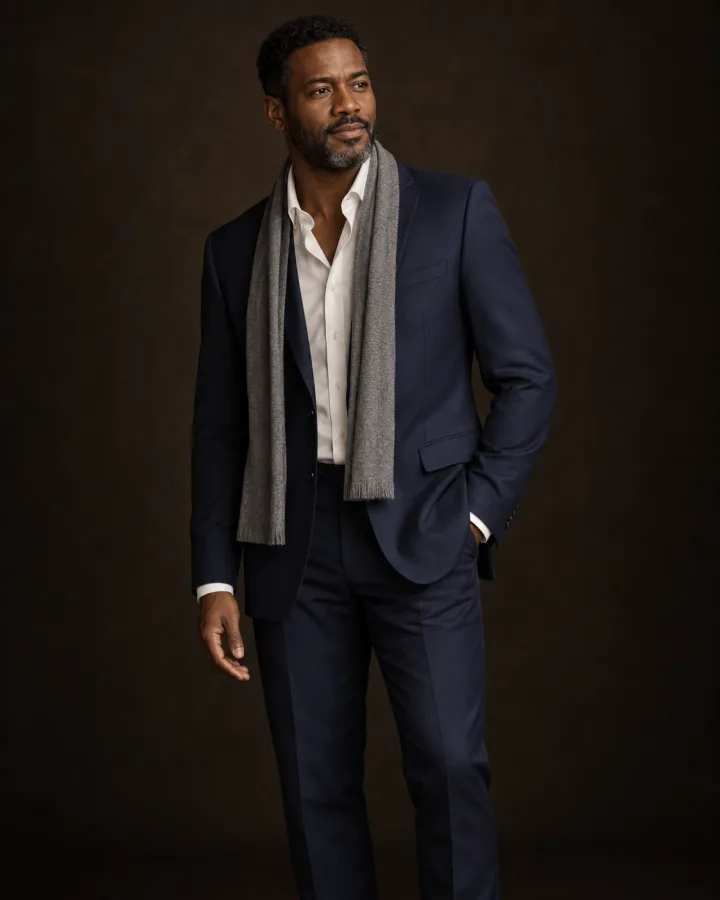
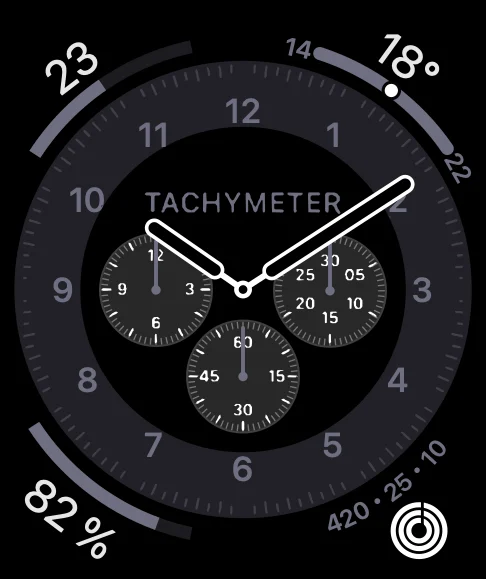
Chronograph Pro in navy

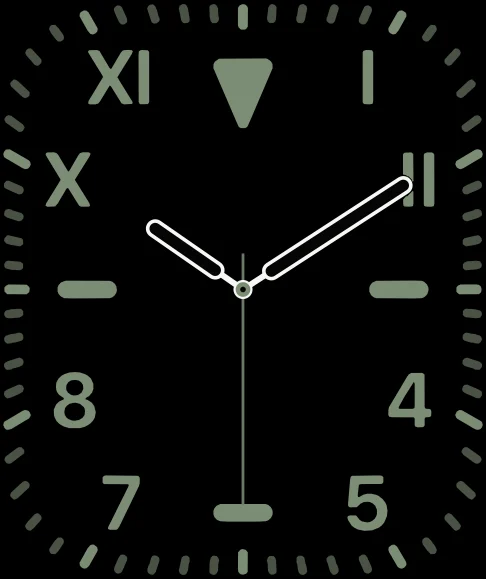
California in sage
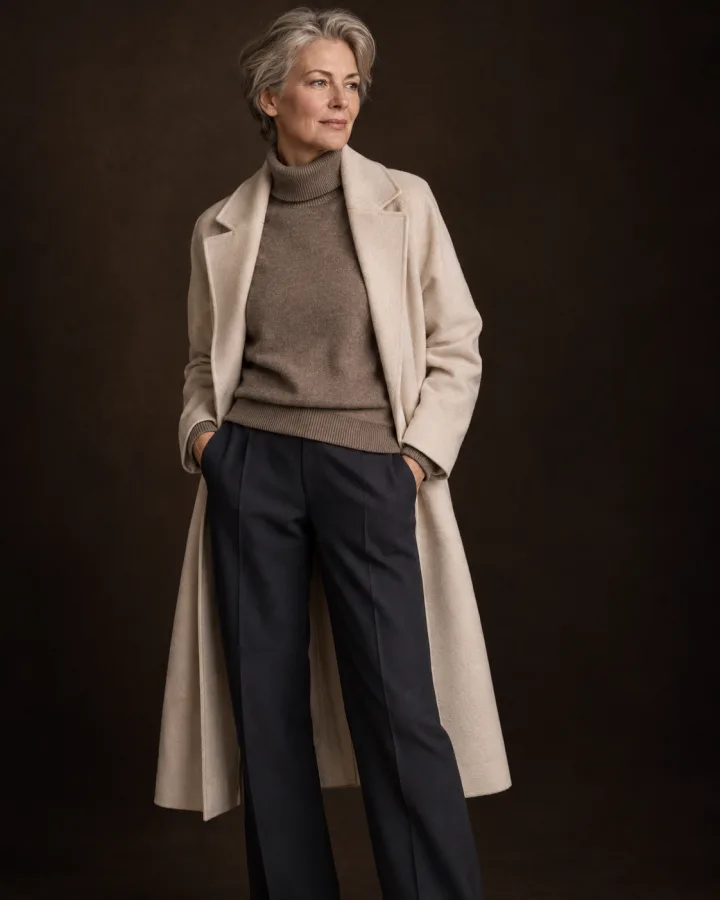
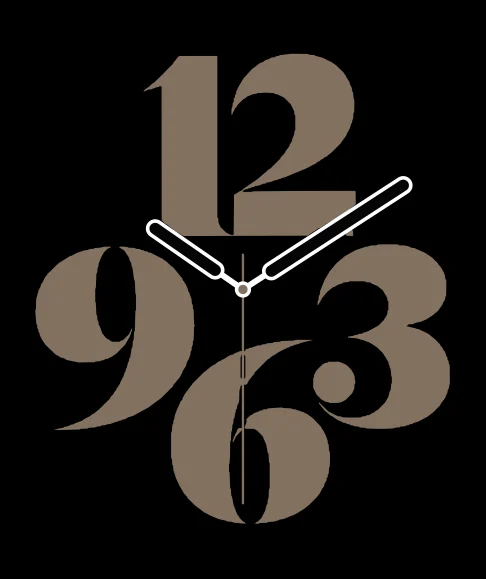
Typograph in stone
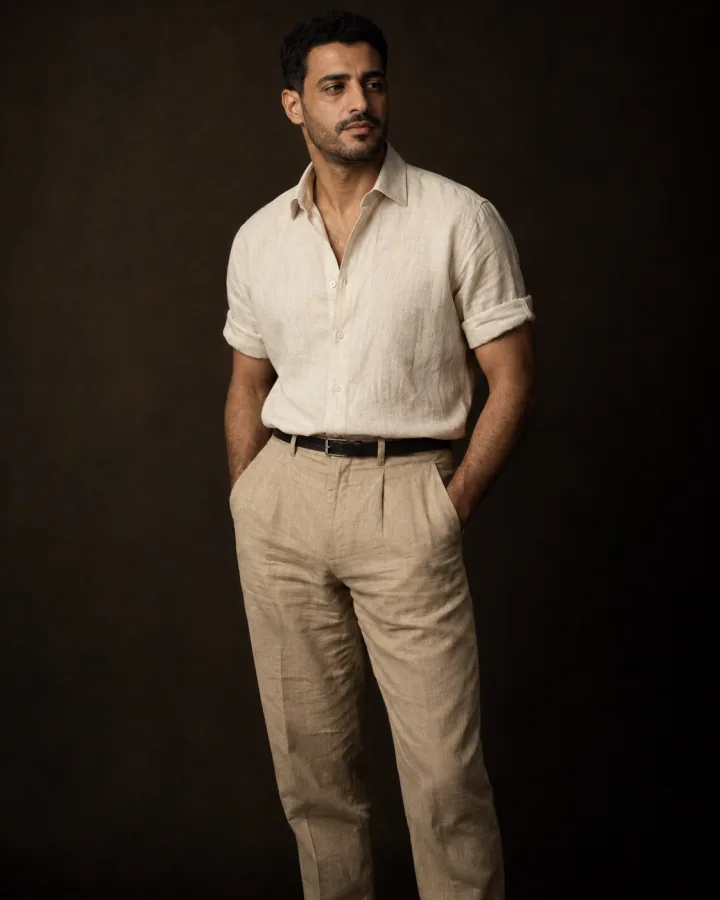
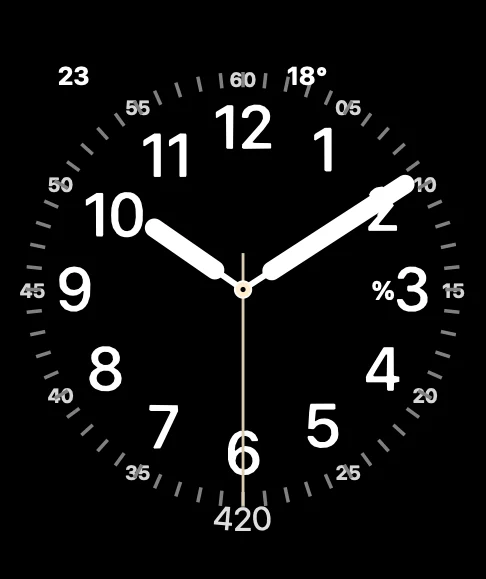
Utility in cream
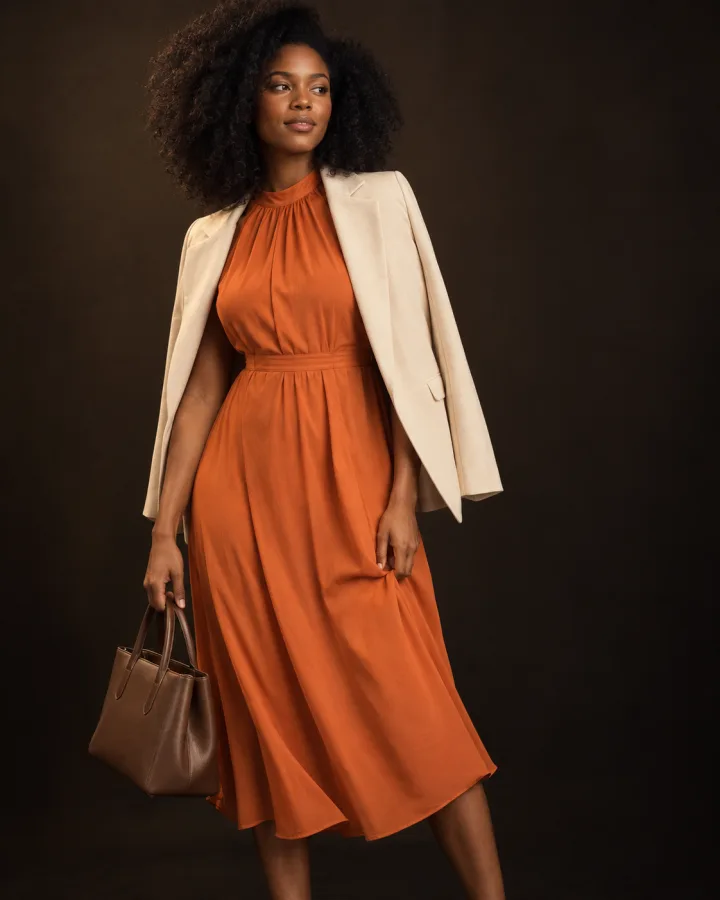
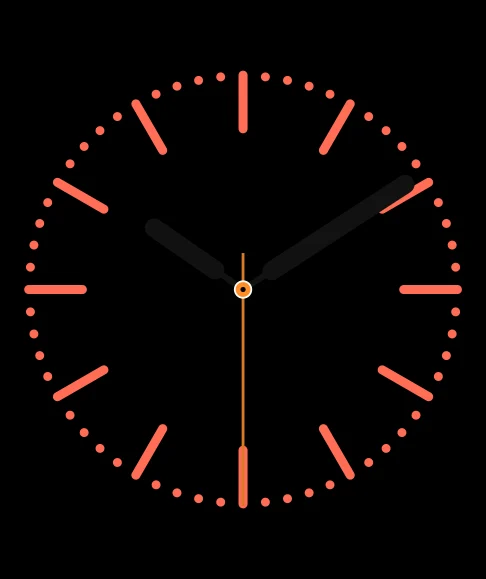
Color in tangerine
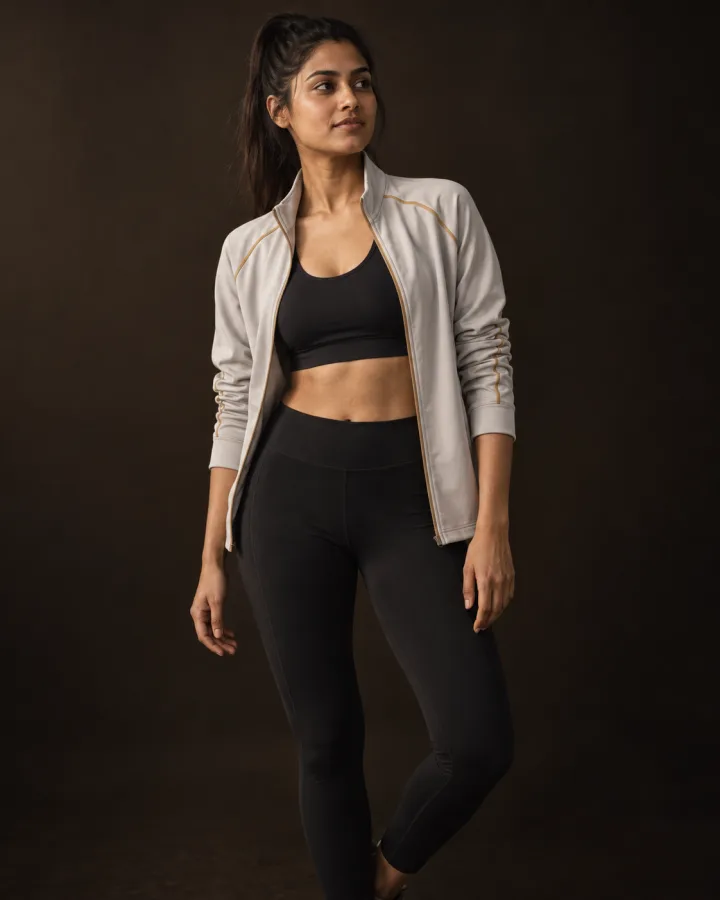
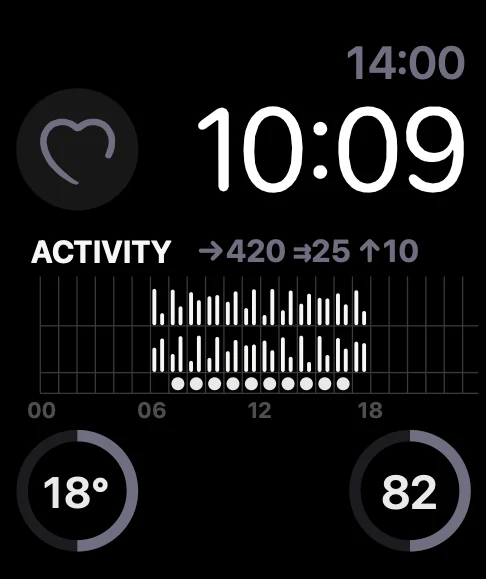
Modular with activity
Metropolitan in sage grey
Illustrative previews drawn by the app. Complication data are examples. Fictional models: photos generated with AI.
Colours, materials, style and occasion: a suit and a tracksuit do not call for the same face.
Native faces with their complications, not a picture pasted as a background.
Tell it your model, your bands and your case finish: suggestions take them into account.
Every face you create is kept on your iPhone, ready to send to your watch again.
Available in 12 languages, from English to Japanese and Arabic.
No account, no ads, no trackers. Your photo is used for the analysis and is not kept by OutfitWatch.
It is sent for analysis only, and OutfitWatch does not keep it. Your faces and your profile stay on your iPhone.
OutfitWatch for iPhone and Apple Watch. Monthly or yearly subscription, cancel anytime.